How to Check Your Active UPI AutoPay Mandates: A Simple Guide
3 min

Have you forgotten which subscriptions, EMIs or recurring payments have an active UPI AutoPay mandate? Here’s how to check your active mandates and manage them easily.
What Is a UPI AutoPay Mandate?
A UPI AutoPay mandate is an authorization that allows a business to collect recurring payments from your bank account through UPI.
It can be used for things like:
EMIs
Insurance premiums
Subscriptions
Mutual fund payments
Education fees
Utility bills
NPCI allows customers to view, modify, pause, unpause and revoke UPI AutoPay mandates.
How to Check Your Active UPI AutoPay Mandates
There are now simpler ways to see your active mandates.
Option 1: Check Through Your UPI App
NPCI's enhanced UPI AutoPay framework requires participating UPI apps to provide mandate lifecycle management through either a dedicated UPI AutoPay section or under Manage Bank Accounts.
Open your UPI app and look for:
UPI AutoPay / Mandates / Manage Bank Accounts
You can then view your active mandates and, where supported, pause, modify or revoke them.
The exact menu name may differ between UPI apps.
Option 2: Use NPCI's UPI HELP
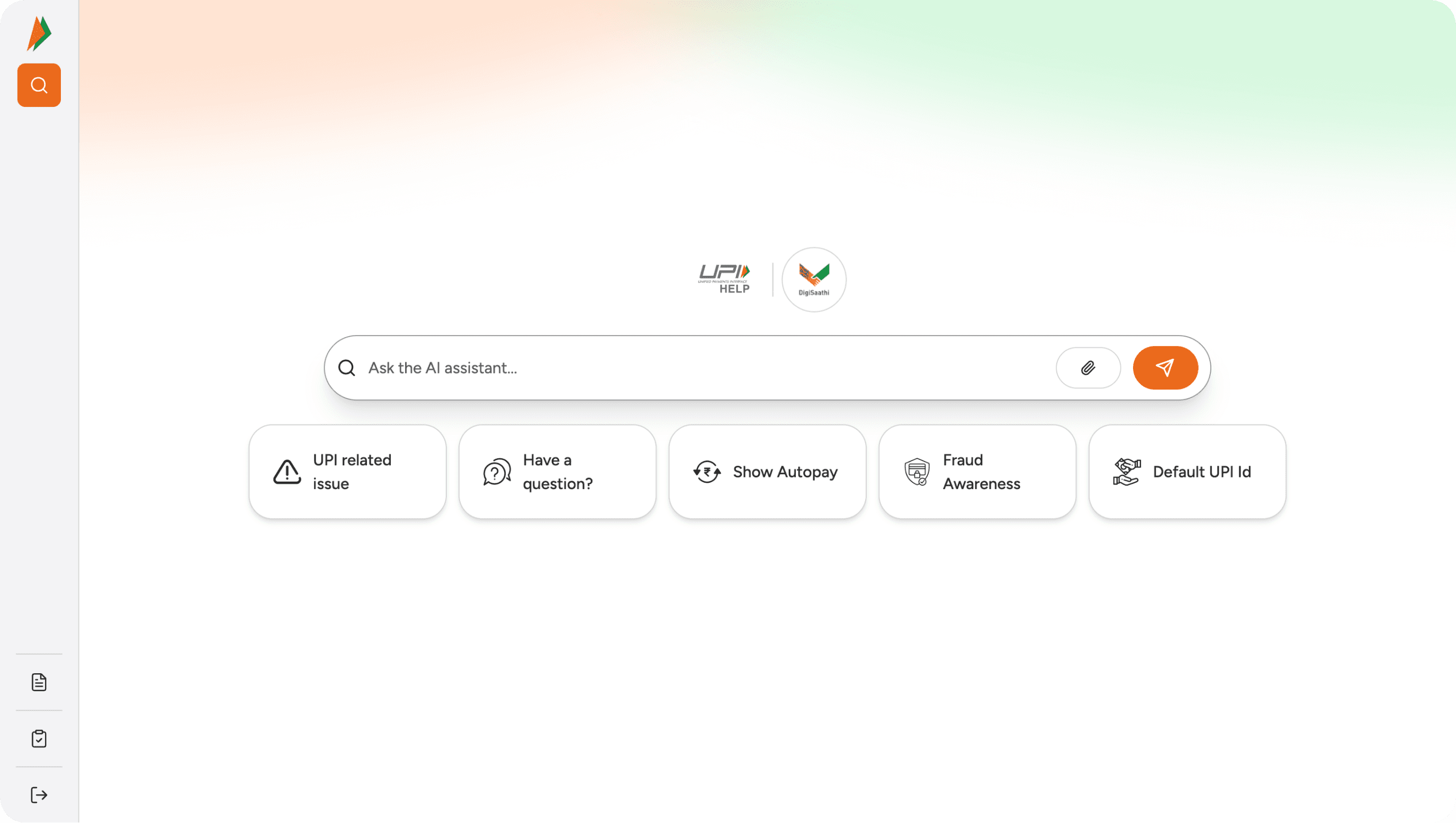
NPCI has also introduced UPI HELP, an AI-powered assistant that can provide a unified view of active mandates and help users manage them through their participating UPI apps.
VISIT: https://www.upihelp.npci.org.in/
What Can You See?
Depending on your bank and UPI app, mandate details can include information such as:
Merchant → Amount → Frequency → Next execution → Mandate status
You can also manage supported actions such as:
Pause → Resume → Modify → Revoke
This is useful when you have multiple recurring payments and want to know exactly which mandates are currently active.
Why Should You Check Your Active Mandates?
Over time, you may authorize AutoPay for a subscription, EMI, insurance premium or another recurring service and forget about it.
Reviewing your mandates helps you:
Find forgotten recurring payments
Check upcoming collections
Pause payments you no longer need
Revoke inactive subscriptions
Keep better control over your recurring payments
The Bottom Line
UPI AutoPay makes recurring payments convenient, but visibility matters just as much as convenience.
With UPI apps and NPCI's UPI HELP, checking and managing active UPI AutoPay mandates is becoming much easier.
For businesses, this also highlights why a good recurring payment experience needs to support the entire mandate lifecycle - from creation and collection to modification, pause and recovery.
SlashCollect helps businesses build and manage recurring and instalment-based collection workflows across payment rails including UPI AutoPay and NACH.
Let's connect to discuss more?
Whether you collect fees, EMIs, subscription payments, memberships, rent or B2B collections, SlashCollect automates the repetitive work behind payment collection.