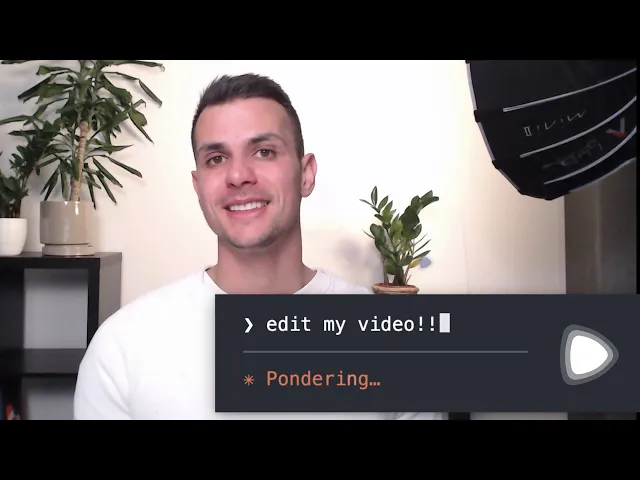
How to Create Videos Using Claude AI (Step-by-Step Guide)
4 minutes

Did you know Claude is no longer just a text-based chatbot? It can now act as your personal video editor and animator. By connecting Claude to a few easy-to-use tools, you can turn text prompts into cinematic ads, viral social media reels, and sleek motion graphics.
If you want to create video using Claude AI, you don’t need a fancy editing degree. You just need to know which tools to plug into it. Here is the simplest, jargon-free guide to turning Claude into a powerful Claude AI video generator.
3 Ways to Make Videos with Claude
You can't just ask the standard Claude.ai website to "spit out an MP4." Instead, you pair Claude with video-generation apps. Here are the three best methods:
1. Claude Code + Remotion (Best for Motion Graphics)
Remotion is a tool that turns code into video. By using a tool called Claude Code, you can ask Claude to write the animation code for you. Claude will automatically build sleek, animated text, charts, and product explainers, and Remotion will render it into a beautiful video clip. It is completely free for individuals to use.
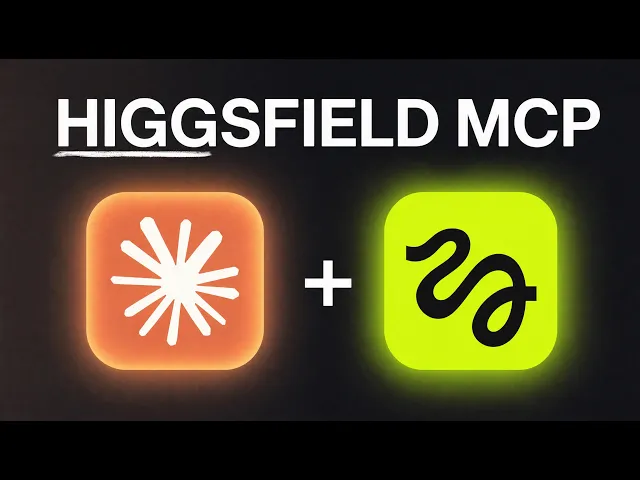
2. The Higgsfield MCP (Best for Realistic & Cinematic Video)
If you want real-looking footage (like a slow-motion shot of a coffee cup or a cinematic car commercial), you use the Higgsfield MCP. MCP stands for "Model Context Protocol"—it's basically a plugin that connects Claude directly to a video-generation supercomputer. You type your idea into Claude, and Higgsfield generates the actual photorealistic video right in your chat.
3. HyperFrames (Best for TikToks, Reels, and Captions)
If you want to make viral, fast-paced vertical videos with pop-up captions and images, HyperFrames is your best bet. Claude writes the script and the animation timing, and HyperFrames captures it all into an engaging social media short.
5 Claude AI Video Prompt Examples (Copy & Paste)
Here are 5 exact prompts you can use, depending on the tool you are working with.
Prompt 1: The "Tech Explainer" Motion Graphic
Tool Used: Claude Code + Remotion
The Prompt: "Create a 15-second Remotion video at 30fps. Use a dark navy background. Make a bold white headline that says 'Our New Feature' fade in over the first 30 frames. Then, have three feature bullet points slide up from the bottom of the screen one by one, staggered by 30 frames each."
What the Video Looks Like: A sleek, Apple-style product presentation with smooth text animations.
Prompt 2: The "Cinematic B-Roll" Shot
Tool Used: Claude + Higgsfield MCP
The Prompt: "Generate a 5-second cinematic, photorealistic video of a neon-lit Tokyo street at midnight. The camera should slowly pan forward through the rain, reflecting the pink and blue lights in the puddles."
What the Video Looks Like: High-definition, realistic stock footage that looks like it was shot on a Hollywood camera.
Prompt 3: The "Viral Podcast Snippet"
Tool Used: Claude + HyperFrames
The Prompt: "Take this 30-second audio file and create a vertical video. Add bold, yellow, word-by-word captions in the center of the screen. Highlight the most important words in red, and add a quick zoom-in effect every time the speaker raises their voice."
What the Video Looks Like: A high-energy, Alex Hormozi-style TikTok video optimized for high viewer retention.
Prompt 4: The "Shot-for-Shot Ad Remake"
Tool Used: Claude + Higgsfield Katana
The Prompt: "Analyze this YouTube link of a popular Nike running shoe ad. Recreate the video shot-for-shot, keeping the exact same camera angles and cuts, but replace the Nike shoe with a futuristic, glowing cyberpunk sneaker on a neon track."
What the Video Looks Like: A perfect structural clone of a famous commercial, intelligently restyled to feature your own product.
Prompt 5: The "Data Visualization" Chart
Tool Used: Claude Code + Remotion
The Prompt: "Build a 10-second animated bar chart race showing the top 5 most popular social media apps from 2020 to 2026. The bars should smoothly slide past each other as the numbers increase, with a clean white background and branded colors for each app."
What the Video Looks Like: A highly shareable, animated infographic perfect for LinkedIn or YouTube Shorts.
Top Resources to Review to Master Claude Video Creation
If you want to see these AI workflows in action, watching a visual tutorial is the best way to learn. Here are the most valuable resources, videos, and articles to check out:
1. Best YouTube Video for Remotion: Watch "Creating videos just from prompting - Claude Code and Remotion" by Jonny Burger (the creator of Remotion). He walks through exactly how to set up your project and generate logos and captions just by talking to Claude.
2. Best YouTube Video for Cinematic Ads: Watch "Higgsfield MCP + Claude Code = AI Ad Agency (Full Tutorial)" by Mike Futia. He shows you how to connect the Higgsfield plugin to Claude to generate stunning AI commercials and user-generated content (UGC) automatically.
3. Best Free Tutorial Guide (Substack): Read "Claude Just Changed Content Creation Forever…" by Sabrina Ramonov. Her Substack provides incredibly simple, step-by-step instructions on making animated explainer videos using Claude without paying for expensive subscriptions.
Link: https://www.sabrina.dev/p/claude-just-changed-content-creation-remotion-video
4. Best Developer Breakdown (Blog): Read "Making videos with Claude Code and Remotion" on the OpenReplay Blog. It provides the exact frame-by-frame math you need to feed Claude to make your animations look perfectly smooth.
Link: https://blog.openreplay.com/making-videos-claude-code-remotion/
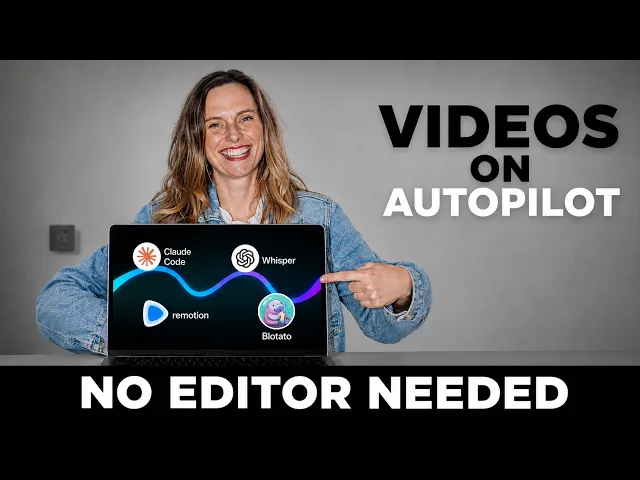
5. Best Video for Social Media Automation: Watch "Claude Code Tutorial: Edit Videos with Remotion (Full Workflow)" by Wright Mode. She breaks down an incredible pipeline where Claude edits the video, transcribes it, builds overlays, and schedules it—meaning you never have to drag a timeline again.
Let's connect to discuss more?
Whether you collect fees, EMIs, subscription payments, memberships, rent or B2B collections, SlashCollect automates the repetitive work behind payment collection.